Turn SAP audit data
into clear insight.
SimpAudit is developed by BSC Global .
Good SAP audit reports turn technical access information into clear evidence, actionable findings and meaningful risk information.
SimpAudit provides structured reporting and dashboard capabilities for SAP security, audit, compliance and management teams.
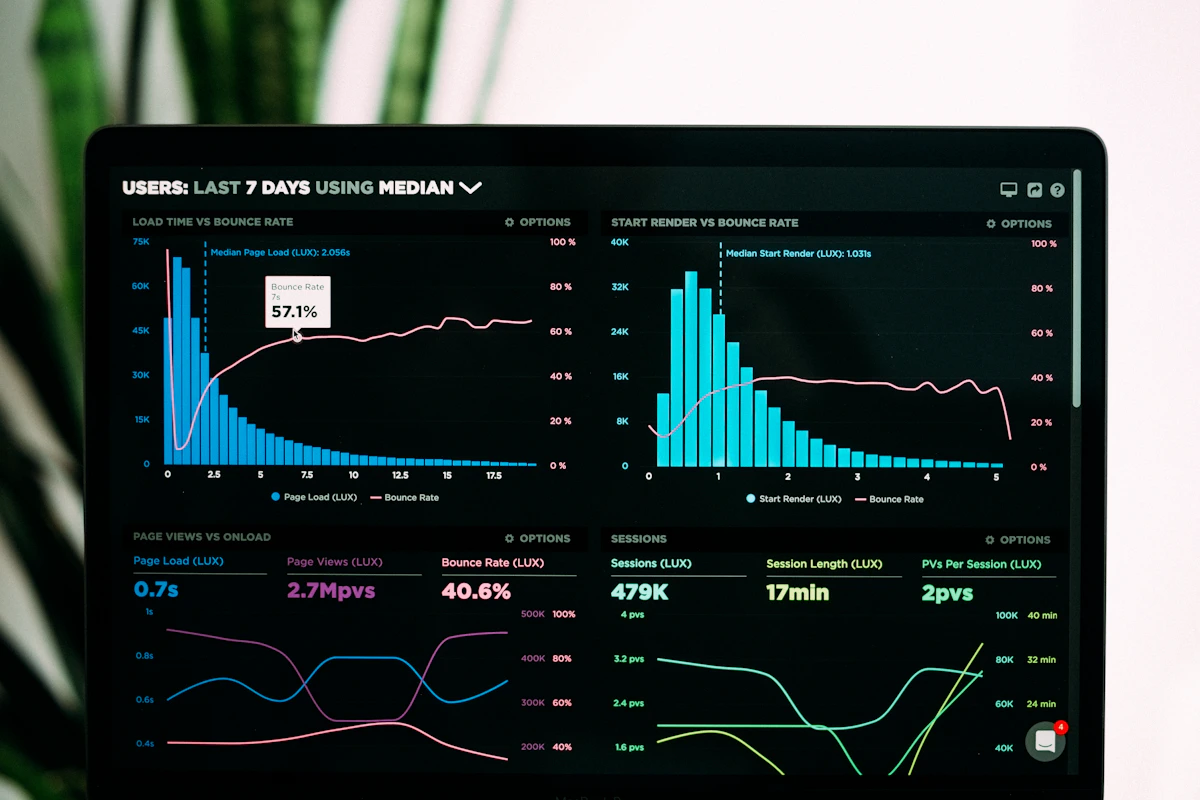
SAP Audit Reports & Dashboards for SAP Risk
SAP audit teams work with large amounts of user, role, authorization and risk information. Effective reporting turns this technical information into evidence that can be reviewed and acted upon.
SimpAudit brings audit findings and risk information into structured reports and dashboards for investigation, review and management visibility.
Reports built around
SAP risk and audit findings.
Organize important SAP access and risk information into clear, repeatable reporting views.
SoD Conflict Reports
Identify and present Segregation of Duties conflicts for investigation and remediation.
Explore SAP SoD Analysis →User Risk Reports
Present user-level risk information and highlight users requiring further review.
Explore SAP User Access Review →Role Risk Reports
Show role-based risks, sensitive access and findings associated with SAP roles.
Explore SAP Role Risk Analysis →System Risk Summaries
Provide a consolidated view of risk exposure across SAP systems and environments.
Explore SAP Security Audit →User Lifecycle Reports
Review user creation, changes, deactivation and related access lifecycle activities.
Explore SAP User Access Review →Audit & Compliance Reports
Organize findings and supporting information for audit and compliance review.
Explore SAP ITGC Compliance →
Focus on the findings
that matter most.
Not every finding has the same business impact. Risk scoring helps teams distinguish higher-priority issues from findings that may require less immediate attention.
SimpAudit can organize risk information so security, audit and management teams can better understand exposure and prioritize investigation.
- Identify high-priority findings
- Organize risks by severity
- Highlight significant control findings
- Compare risk exposure
- Support investigation and remediation
- Communicate risk clearly
See the bigger picture
without losing the details.
Management dashboards can summarize risk levels, trends and key control findings, while detailed reports remain available for teams performing investigation and remediation.
Risk Overview
Understand overall SAP access and security risk exposure.
Key Findings
Highlight important risks and control findings.
Risk Trends
Review changes in risk and findings over time.
Management View
Present important information in a concise business-oriented format.
From SAP risk data
to audit evidence.
Organize technical information into structured outputs for investigation, review and reporting.
Collect
Bring together relevant SAP users, roles, authorizations and risk information.
Analyze
Review risks, conflicts, findings and risk indicators.
Prioritize
Identify findings requiring attention based on risk and business impact.
Report
Produce structured reports and dashboard views for different stakeholders.
Build more consistent
audit evidence.
Consistent reports can help organizations prepare evidence for internal audits, external audits, SOX reviews and ITGC assessments.
Exact evidence requirements should always be aligned with the organization’s audit methodology and professional audit judgment.
The right information
for every stakeholder.
Different teams need different levels of detail. Reporting can present the same underlying risk information in the context each team needs.
Internal Audit
Detailed findings, risk information and supporting audit evidence.
SAP Security
Technical risk findings for investigation and remediation.
IT Compliance
Access and control information for compliance activities.
GRC Teams
Risk and SoD information for access governance processes.
External Auditors
Structured reports and information to support audit review.
Management
High-level risk summaries and dashboard visibility for decision-making.
Frequently asked questions about SAP audit reports
Learn how SAP audit reports and dashboards can help teams organize risk findings, audit evidence and management information.
What are SAP audit reports?
What does SAP audit reporting include?
How does SimpAudit support SAP audit reporting?
What are SAP risk dashboards?
Can SAP audit reports show SoD conflicts?
Can SAP audit reports include user and role risks?
How can SAP audit reports support audit evidence?
Who uses SAP audit reports and dashboards?
How does SAP risk reporting help prioritize findings?
How can I learn more about SimpAudit SAP audit reporting?
Turn SAP audit findings
into clear decisions.
Explore how SimpAudit can help organize SAP risk information, audit reporting and management visibility.
